
Free step-by-step guide • Updated Oct 2026
TNT SIM Registration 2026: Online Link, Steps and Requirements
Register your TNT SIM in about five minutes with one valid ID and a selfie.
⚠ An unregistered TNT SIM can’t call, text or use data until you finish registration.
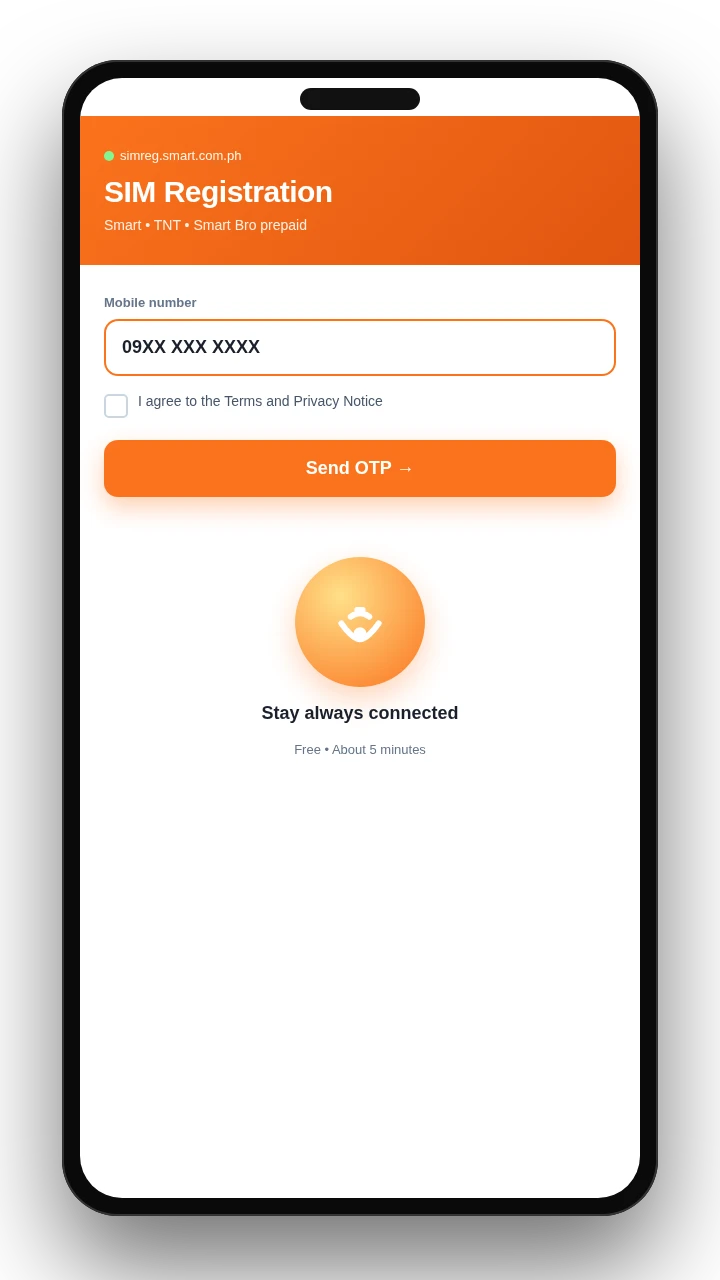
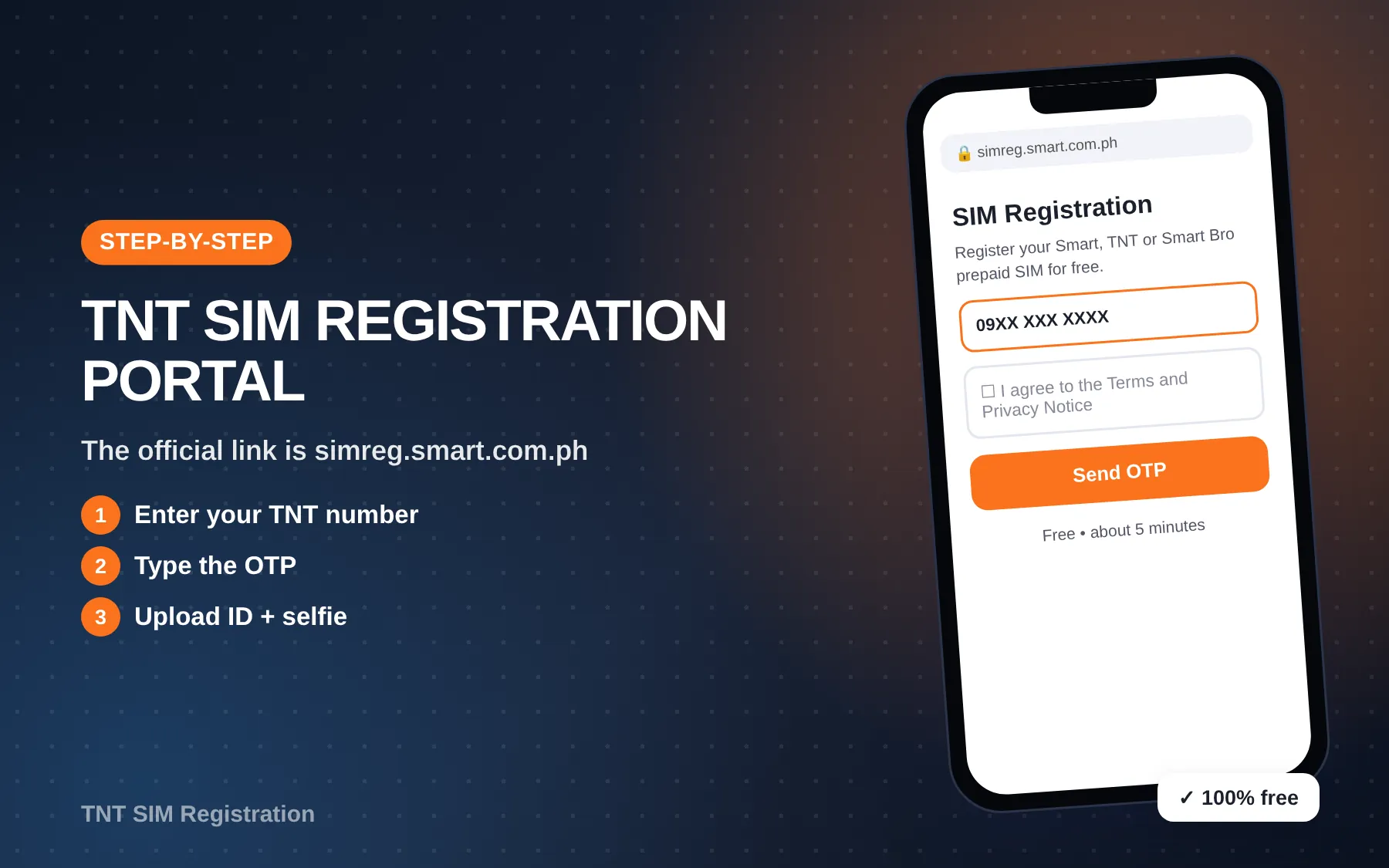
Quick answer: TNT SIM registration is free and done on Smart’s official portal, simreg.smart.com.ph. Enter your TNT number, type in the OTP sent by text, fill in your details, upload one valid government ID, take a selfie and submit. If your ID photo is clear, it takes about five minutes.
Easy steps
4 ways to register your TNT SIM




Got a new TNT SIM that won’t call, text or go online? Or did an old number suddenly stop working? Every SIM in the Philippines has to be registered under the SIM Registration Act (RA 11934). TNT handles registration through Smart, because TNT is a Smart brand.
This guide covers every route: the portal, the Smart app, a Smart Store and the hotline. It also has the ID list, the rules for foreigners, minors and companies, and fixes for the errors people run into most.
Why You Have to Register
RA 11934 says every SIM user, new or old, must register with their telco. Old SIMs had a 180-day window that started on December 27, 2022, and SIMs that missed it were deactivated. A new SIM now stays switched off until it’s registered.
The upside is real. A registered number can get promos meant only for registered users, as TNT itself points out, and it’s harder for scammers to hide behind throwaway numbers.
What happens if you don’t register
An unregistered SIM can’t call, text or use data. If it was an old SIM, the number was cut off when the deadline passed. A brand-new SIM simply won’t activate until you finish.
TNT SIM Registration Methods at a Glance
There’s one official system, and you can reach it in four ways.
| Method | Where | Cost | Needs internet | Best for |
|---|---|---|---|---|
| Online portal (the TNT SIM registration link) | simreg.smart.com.ph | Free | Yes | Most people, on a phone or laptop |
| Smart app (formerly GigaLife) | Google Play / App Store | Free | Yes | People who use the app for load anyway |
| Smart Store | Any Smart Store branch | Free | No | No smartphone, or the portal keeps failing |
| Hotline assist | *888 from your TNT SIM, (02) 8888-1111 from a landline | Free | No | Keypad phone users and questions |
TNT SIM registration never costs money. If anyone asks you to pay, walk away.
What You Need Before You Start
Have these ready before you start registering, so the OTP doesn’t time out while you hunt for your ID.
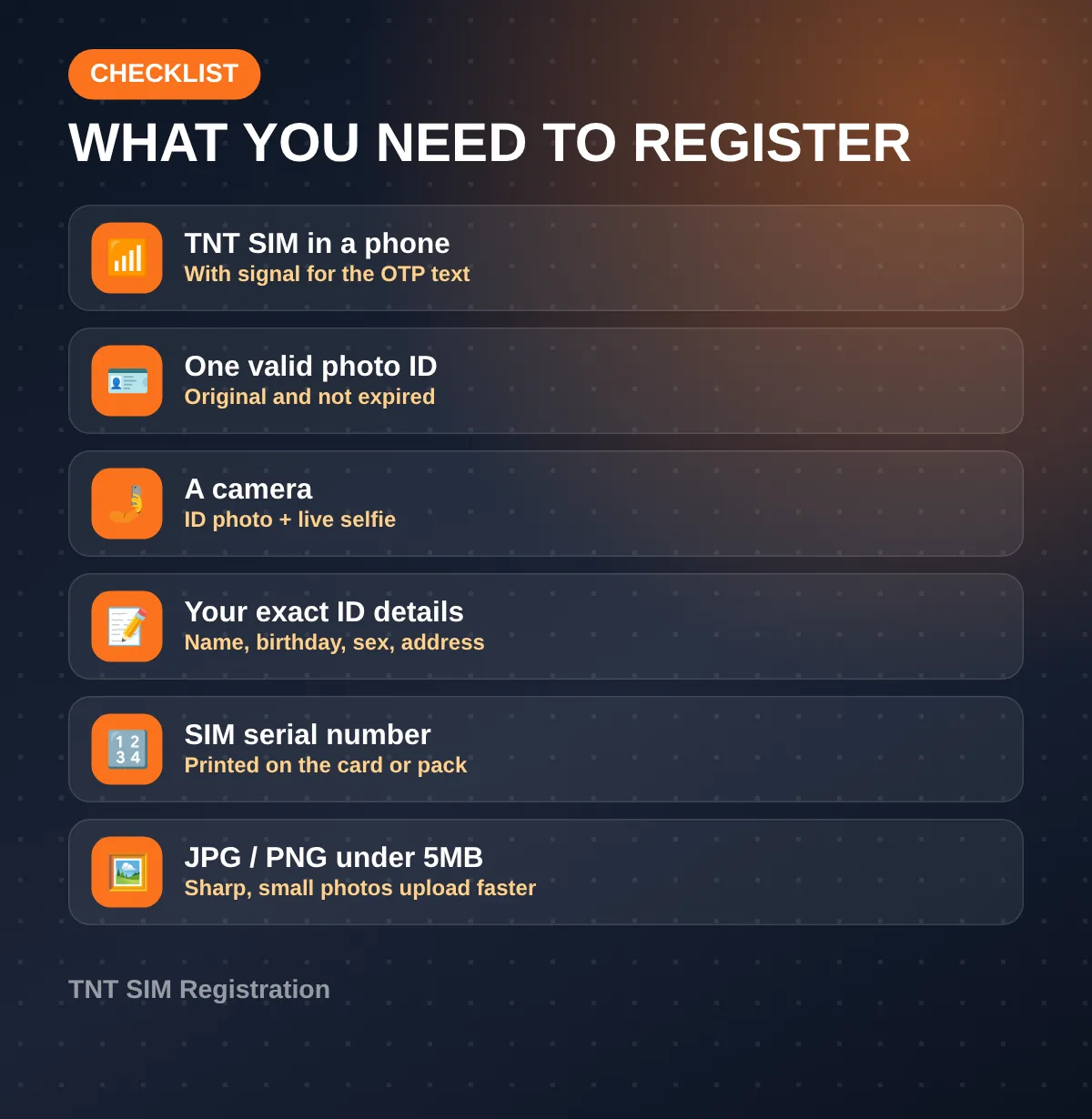
- Your TNT SIM in a phone with signal. The OTP comes by text.
- One valid government-issued photo ID, original and not expired.
- A camera for a photo of the ID and a live selfie.
- Your details exactly as they appear on the ID: full name, birthday, sex, nationality and present address.
- The SIM’s serial number, which may be asked for. It’s printed on the SIM card or its packaging.
Upload files as JPG, JPEG or PNG, under 5MB each. A sharp, small photo goes through faster than a huge one.
Tip from experience: if your SIM has been sitting in a drawer, put it in a phone and send one text first. If the text doesn’t go out, the SIM may not get the OTP either.
How to Register Your TNT SIM Online
This is the route most people use. It works in Chrome, Safari or any modern browser, on a phone or a computer.
Step 1
Open the official page
Type simreg.smart.com.ph into your browser yourself. Don’t tap links from random texts or Facebook posts.
Step 2
Enter your TNT number
Type your mobile number in the format the box shows. Tick the box to accept Smart’s Terms and Privacy Notice, then tap Send OTP.
Step 3
Enter the OTP
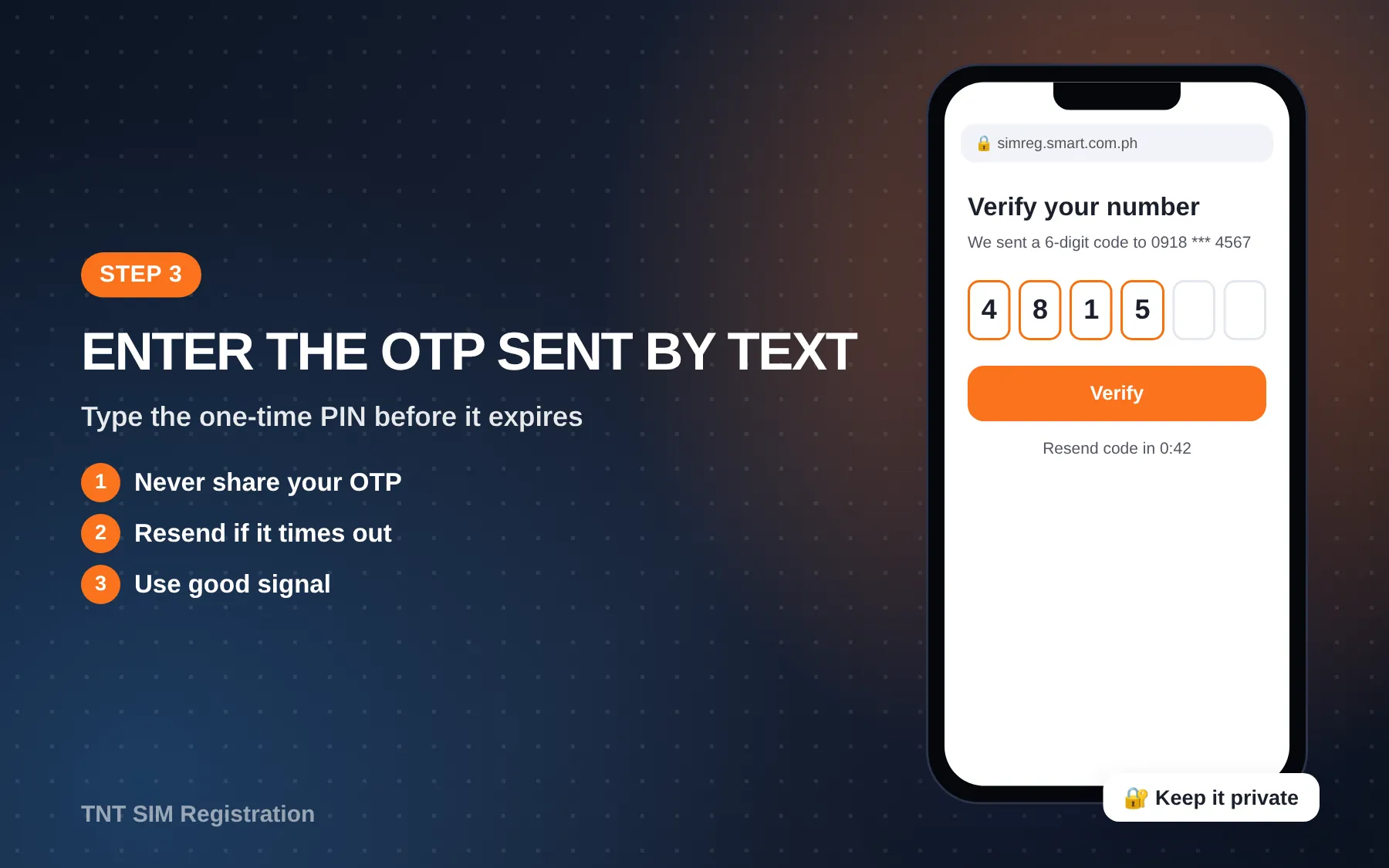
Check your messages for the one-time PIN and type it in before it expires. Don’t share this code with anyone, including people claiming to be from Smart.
Step 4
Choose your registration type
Pick the option that matches you, such as Filipino citizen, foreign national or minor (registered by a parent or guardian).
Step 5
Fill out the form
Enter your name, birthday, sex, nationality and address exactly as they appear on your ID. The province, city and barangay come from drop-down menus, and the ZIP code fills in on its own.
Step 6
Upload your ID and take a selfie
Choose your ID type, upload a clear photo of it, then take the selfie. Face a window for even light, and take off your cap, glasses and mask.
Step 7
Review and submit
Check every field for typos. Tick the declaration that the details are true, then submit.
Step 8
Save your control number
Screenshot the control number on the success page, because it’s your proof of TNT SIM registration. A confirmation text follows once your registration is approved.
How long does it take?
Filling in the form takes about five minutes. Approval can come right away or take a while, since Smart checks your ID and selfie on its end. Don’t submit the same SIM again and again while you wait.
Register Through the Smart App
The GigaLife app has been renamed the Smart app, and it serves TNT users too. Download it from Google Play or the App Store and log in with your TNT number.
- Open the app and tap the SIM registration banner (TNT’s page calls it “Register your SIM now!”).
- Follow the same TNT SIM registration steps: OTP, form, ID, selfie.
- Submit and wait for the confirmation text.
The app is handy if you’ll use it later for load and promos anyway. Our guide to current promos shows how to subscribe to promos in the same app.
No Smartphone? Store and Hotline Help
Using a keypad phone, or does the portal keep rejecting your ID? Go to a Smart Store, where staff will walk you through registration for free. Bring your ID and the SIM.
You can also dial *888 from your TNT SIM (toll-free) or call (02) 8888-1111 from a landline. TNT also answers on Facebook Messenger at m.me/TNTph. For TNT SIM registration questions, our full list of help channels lists every channel and when to use each one.
Valid IDs You Can Use
The drop-down on the portal shows the live list, and it can change. These are the IDs accepted under RA 11934’s rules and commonly shown on the Smart portal:
- Philippine National ID (PhilSys / PhilID or ePhilID)
- Philippine passport
- UMID or SSS ID
- Driver’s license (LTO)
- PRC ID
- GSIS ID
- Postal ID
- Voter’s ID
- NBI clearance
- PhilHealth ID
- Senior Citizen ID
- PWD ID
- IBP ID
- OWWA ID
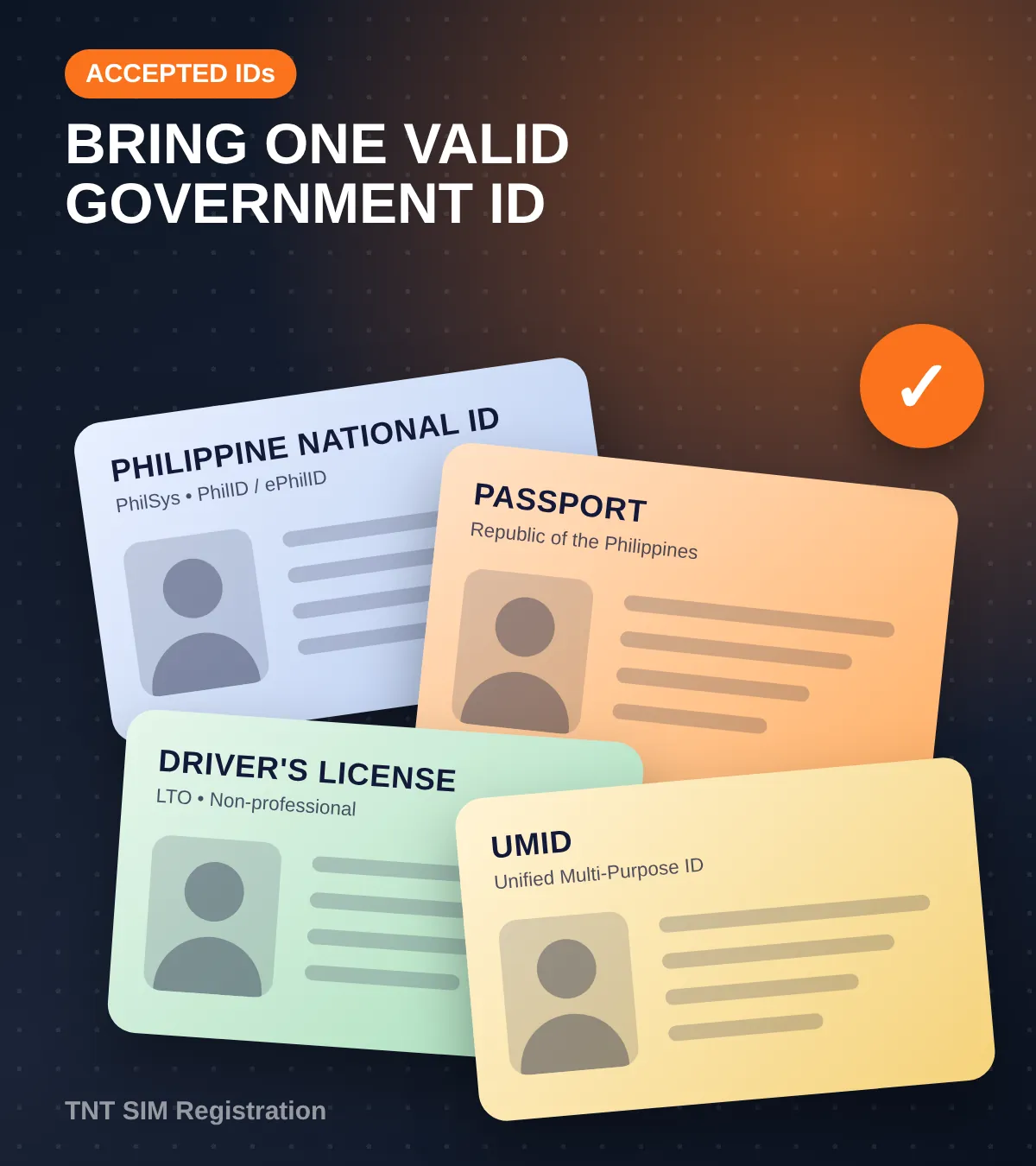
The National ID, passport, UMID and driver’s license usually scan best because their text is crisp. If your ID is worn or blurry, switch to a different one instead of uploading the same photo again and again.
No ID at all? The online portal needs one. Ask at a Smart Store what they can accept in your case.
Foreigners, Minors and Companies
Foreign nationals and tourists
Foreigners can register too. Pick the foreign national or tourist type and use your passport. You may also be asked for proof of address in the Philippines and, depending on your visa, other papers such as a work permit or ACR I-Card.
Minors
A child can’t register a SIM in their own name. A parent or guardian registers it under their own ID, using the minor option on the form.
Companies and government offices
A business, school or government office registering SIMs for staff goes through Smart, usually with company papers and an authorized person’s ID. Smart Stores and business account managers handle this, not the regular self-service portal.
Activating a New or 5G TNT SIM
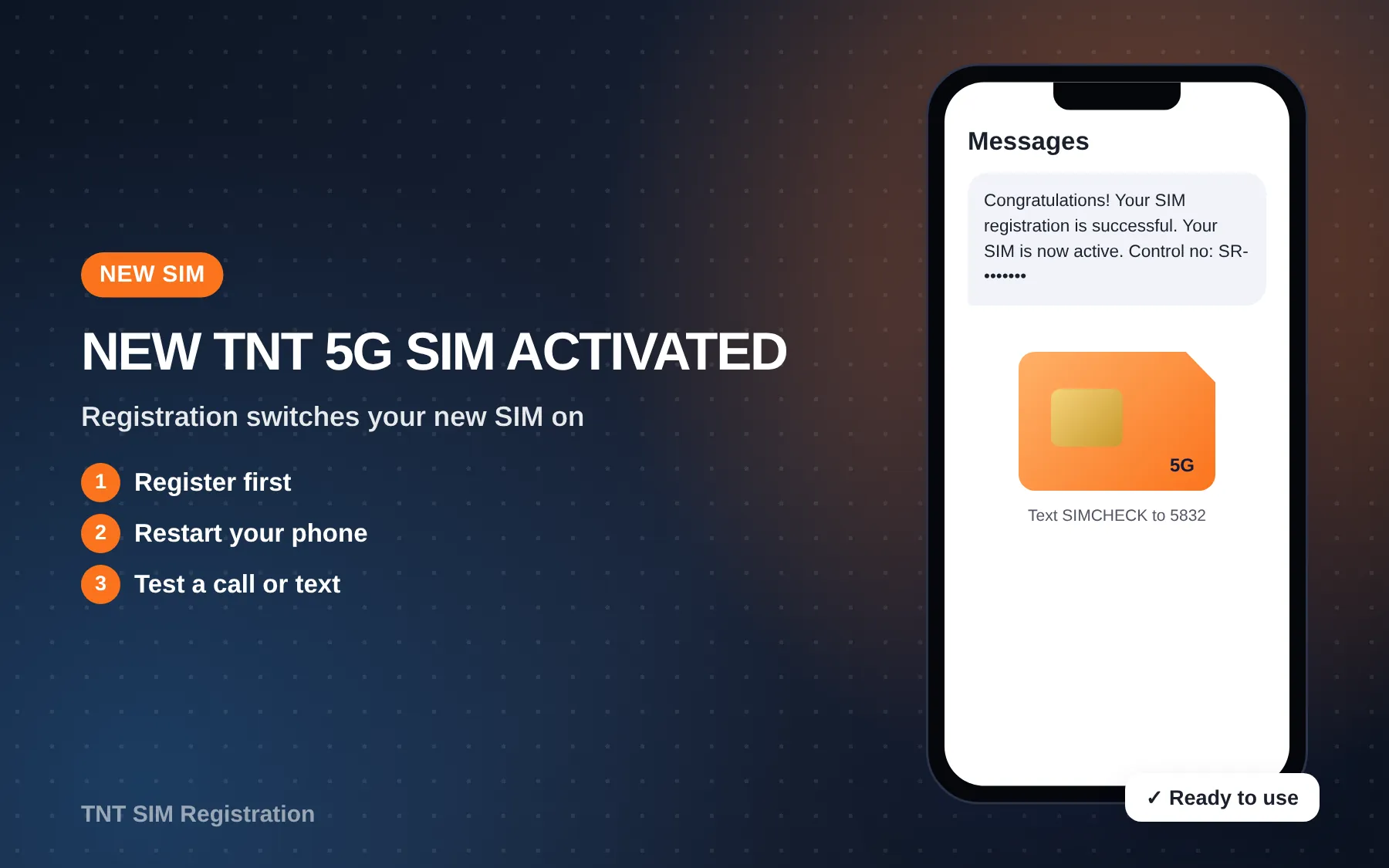
A brand-new SIM stays inactive until it’s registered, so activating a new TNT SIM just means finishing the steps above. Once you get the confirmation text, restart your phone and test a call or text.
New 5G SIMs register the same way. To check whether your current SIM is 5G-ready, text SIMCHECK to 5832 for free. TNT lists this check on its promo page.
Want a SIM with no plastic card? The eSIM setup guide covers buying, installing and registering one.
What about “registering” load?
People often search “TNT load registration” when they mean subscribing to a promo after loading. That’s a different thing from SIM registration. You load first, then subscribe with *123# or the Smart app.
How to Know Your SIM Is Registered
There are three clear signs:
- You saw a control number on the success page.
- You got a confirmation text from Smart/TNT.
- Calls, texts and data work normally.
If none of these happened, try registering again or ask the hotline to check. Keep your control number private, and don’t post it in Facebook groups when you ask for help.
Common Errors and Fixes
| Problem | Likely cause | What to do |
|---|---|---|
| OTP never arrives | Weak signal, or the SIM can’t receive texts | Move to better signal, restart the phone, then resend |
| “Invalid number” | Wrong format, or not a Smart/TNT number | Use the format the box shows and check the prefix |
| ID upload rejected | Glare, blur or cropped edges | Retake on a flat, dark surface with all four corners showing |
| Selfie fails | Backlight, cap or glasses | Face the light, remove accessories, hold the phone at eye level |
| “Already registered” | Recycled number or an earlier attempt | Contact *888 or visit a Smart Store with your ID |
| Page won’t load | Heavy traffic or a weak connection | Try off-peak hours, switch to Wi-Fi, or use another browser |
| App freezes | Old version of the app | Update the Smart app, or use the portal instead |
On recycled numbers: Smart’s terms say permanently disconnected numbers can be reissued 180 days after disconnection. If your “new” number gets someone else’s bank OTPs, update your own accounts and ignore those messages.
Why Registrations Get Rejected
Most rejections come down to a mismatch. Watch out for these:
- The name or birthday on the form doesn’t match the ID.
- The ID is expired, or isn’t on the accepted list.
- The ID photo is blurry, cropped or has glare.
- The selfie doesn’t look like the ID photo.
- Someone else’s ID was used.
Fix the issue and try your TNT SIM registration again. If it’s still rejected, a Smart Store can check your registration in person.
After You Register: Freebies, Updates, Lost SIMs
Freebies
TNT’s registration page mentions a free data gift after you register, and SIM freebies are released once registration is done. Amounts change, so check the confirmation text for what you actually got.
Changing your details
Your SIM registration record isn’t locked forever. Moved house or changed your name? Smart keeps your registration record, so ask at a Smart Store how to update it and bring your new ID.
Lost or damaged SIM
TNT says you can go to any Smart Store and get a new SIM with the same registered number. Bring a valid ID. Report a lost SIM first by calling (02) 8888-1111 from another phone.
Keep it active
Registration doesn’t keep a SIM alive forever. TNT’s terms (last updated October 2, 2025) say an activated SIM with zero load for 120 days in a row is permanently disconnected. Top up regularly.
Fake Links and Scams
Scammers copy the look of the portal to steal IDs and OTPs. A few habits keep you safe:
- Only use simreg.smart.com.ph or the official Smart app.
- Smart won’t ask for your OTP by call or chat.
- There’s no fee, so ignore any “fast lane” offer.
- Report scam texts to the NTC through its 24/7 hotline, 1682.
Video Walkthrough
Prefer watching? This tutorial shows the portal screens step by step:
How to Register TNT SIM Card 2025 | Step-by-Step Guide (EPINOY TUTORIAL TV)
 How to Register TNT SIM Card 2025 | Step-by-Step Guide
To double-check that your registration went through, this one helps: How to Check if Smart, TNT & Sun SIM Registration Is Successful (QEASY!).
 How to Check if Smart, TNT & Sun SIM Registration Is Successful
FAQs
Is TNT SIM registration free?
Yes. Smart and TNT both say registration costs nothing, for new and existing users, on every channel.
Is there a TNT SIM registration deadline?
For a new SIM, you register before it can be used. The 180-day window for existing users started on December 27, 2022 and has long since closed.
Can I register my TNT SIM on the Smart website?
Yes. TNT has no separate portal. Smart, TNT and Smart Bro prepaid all use simreg.smart.com.ph.
Can someone else register my SIM for me?
They can help you through the steps, but the SIM must be registered with your own ID and your own selfie. The one exception is a parent or guardian registering for a minor.
Do I need to register again if I switch phones?
No. Registration is tied to the SIM and number, not the phone. Just move the SIM.
More TNT guides
Conclusion
You now know where to register (simreg.smart.com.ph, the Smart app or a Smart Store), what to prepare, how to finish each step, and how to fix the usual OTP, ID and selfie errors. Once you see your control number and the confirmation text, your TNT SIM is ready to use.
Next, check your number’s prefix in our prefix and number guide, or pick a data promo from the latest promo list.
Last verified: October 14, 2026. TNT SIM registration details were checked against tntph.com, smart.com.ph, TNT’s terms and RA 11934.